One AI editor. Every feature you need.
Clipcaptor finds the moments worth sharing, then captions and reframes them, without switching tools.
max export resolution
languages supported
Everything you need, in one pass
From the first cut to the final post, Clipcaptor handles the parts of editing that used to eat your afternoon.
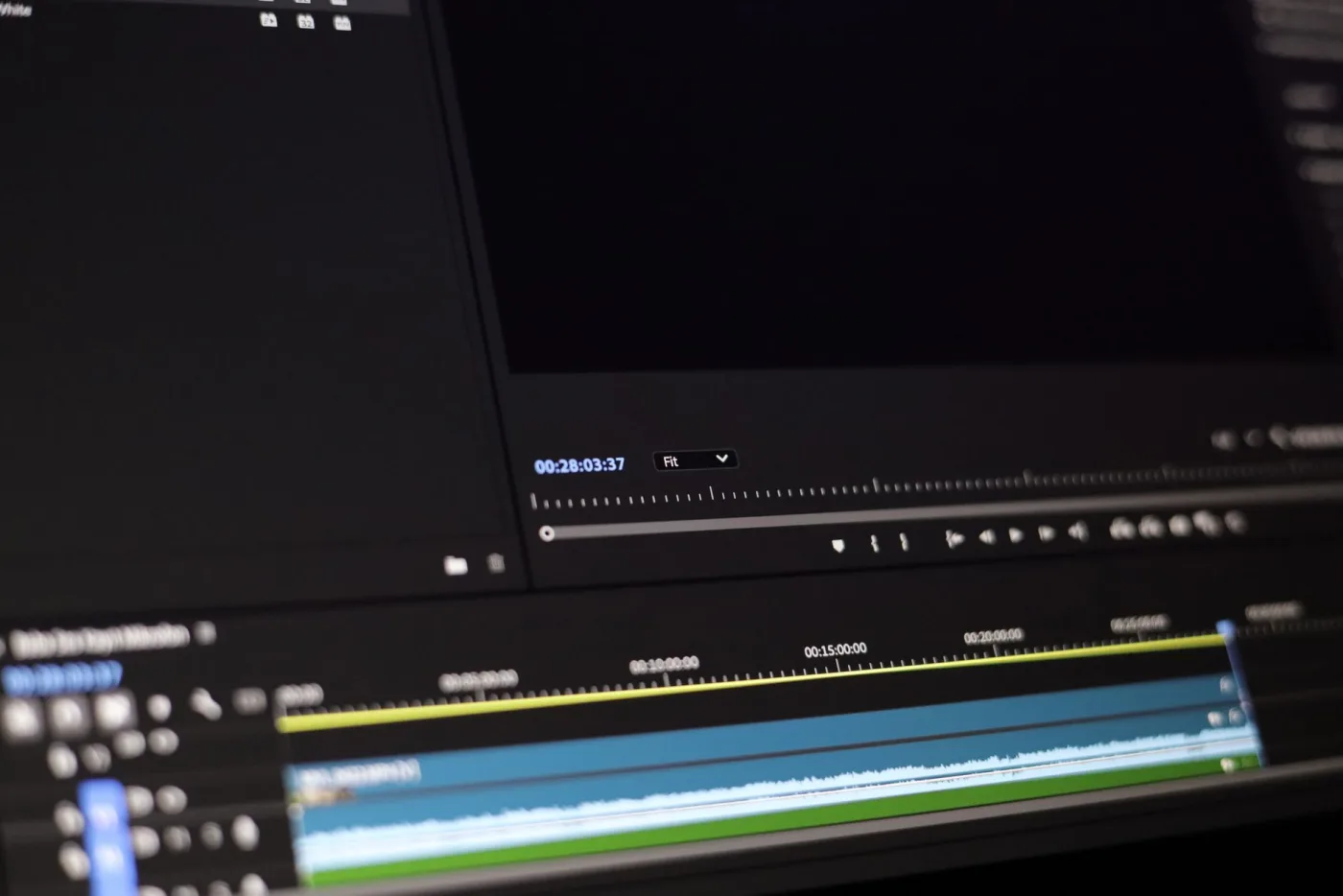
Clip Detection
AI finds your best moments automatically.

Animated Captions
Auto-generated captions with style presets.
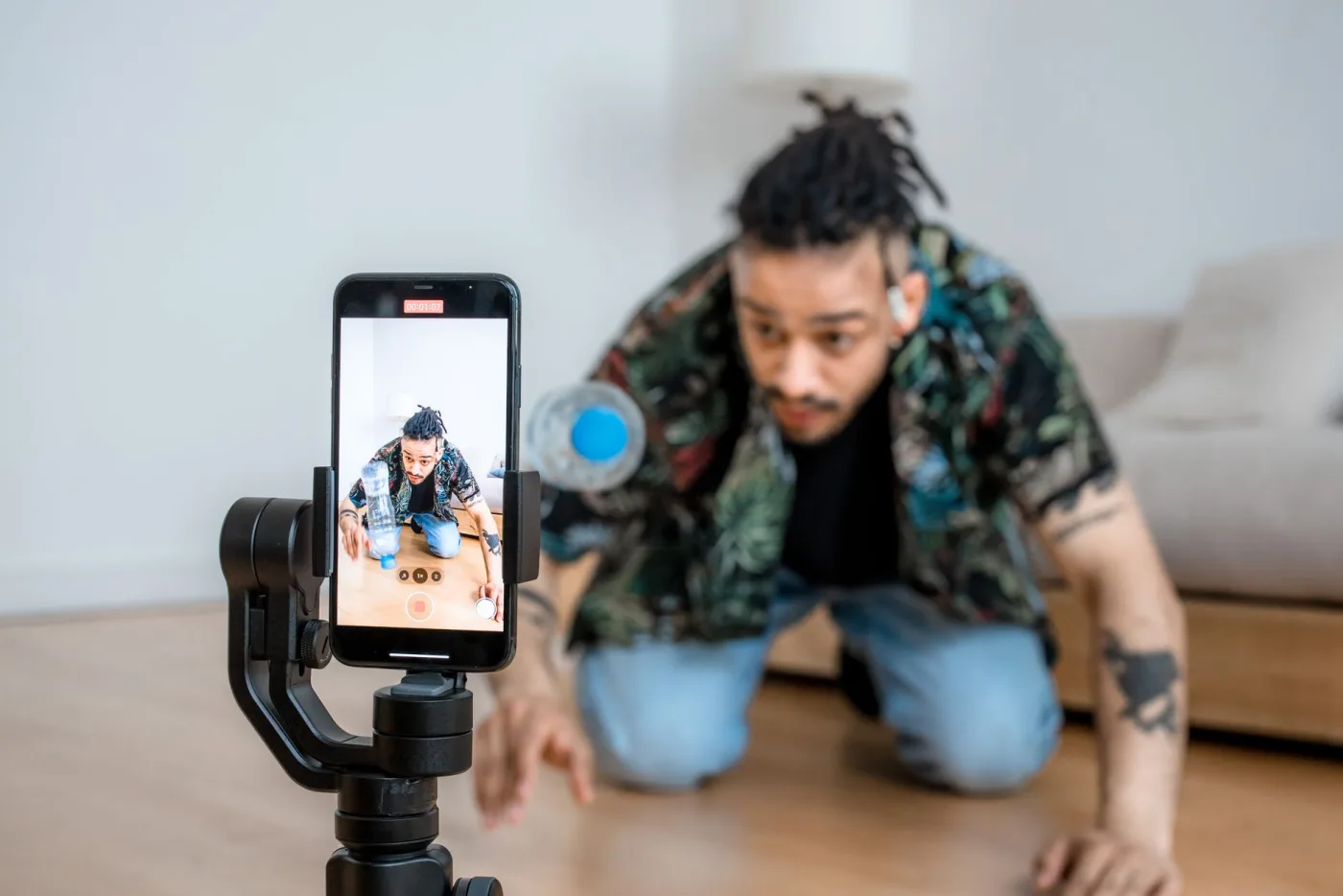
Auto-Reframe
Reframe any video for every aspect ratio.
AI B-Roll
Insert relevant b-roll footage automatically. (coming soon)

Brand Templates
Save fonts, colors, and logos for one-click branding.

All-in-One Editor
Fine-tune every clip in a full timeline editor.
Every feature, in action
No filler slides, just what each capability actually looks like when you use it.
The moment everything clicked
Why nobody tells you this
3 minutes that changed my career
The reaction says it all
AI that finds your best moments automatically
Drop in a long video and Clipcaptor scans every second, scores each moment's engagement potential, and cuts the moments worth posting.
- Scans every second for pacing, audio energy, and hook strength
- Search footage in plain language to jump straight to a moment (coming soon)
- Every clip scored 0-100 so you know which cut to post first. The score is an estimate and does not guarantee views.

Captions that move as fast as your content
Auto-transcribed, word-by-word animated captions with style presets built for retention on every platform.
- Word-by-word captions pop in sync with speech, no manual timing
- Dozens of style presets, or save your own as a brand default
- Transcription in 50 languages on Payment 1M, 99+ on Premium Pro and Business
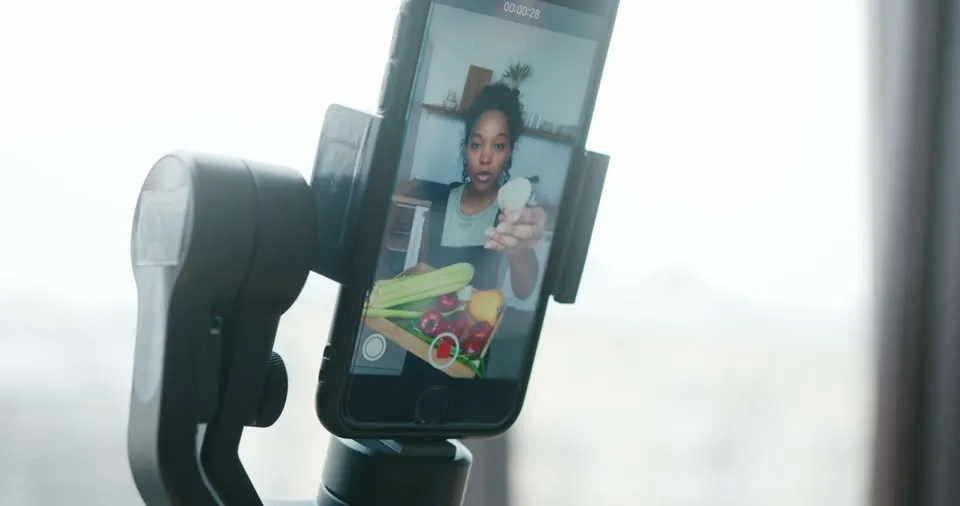
One video, every aspect ratio
Clipcaptor tracks faces and action to intelligently reframe horizontal footage into 9:16, 1:1, and 4:5 without cropping out what matters.
- Active-speaker tracking pans and crops automatically
- Export 9:16, 1:1, 4:5, and 16:9 from the same clip in one pass
- Drag to manually override any frame the AI got wrong

B-roll inserted automatically, right on beat (coming soon)
Clipcaptor listens to your narration and drops in relevant stock or AI-generated b-roll exactly when it reinforces what you're saying.
- Keyword-triggered inserts layer relevant footage right on beat (coming soon)
- A licensed stock clip library to draw from (coming soon)
- AI-generated cutaways for topics with no stock footage available (coming soon)
Publish everywhere without leaving Clipcaptor
Queue clips across TikTok, Instagram, YouTube Shorts, and X, then let Clipcaptor auto-publish them for you. (coming soon)
- Drag a week of clips onto a calendar in one sitting
- Best-time recommendations tuned per platform (coming soon)
- Auto-publish to TikTok, Reels, Shorts, and X (coming soon)

Your brand, applied in one click
Save fonts, colors, logo placement, and caption styles once. Every clip after that renders on-brand automatically.
- Build a template once, every future export inherits it
- Save separate brand kits per client or channel
- Lock logo and intro elements so editors can't break guidelines
Fine-tune every AI cut in a real timeline
A full-featured timeline editor for trimming, layering, and polishing AI-generated clips without switching tools.
- Multi-track timeline for video, captions, and music
- Every AI decision stays a normal element you can override
- Built-in stock music and sound effects, auto-ducked under dialogue (coming soon)
Start turning your videos into clips today
Be one of the first to turn long videos into clips that publish themselves.
Get started
Social Scheduler
Plan clips across platforms and auto-publish them. (coming soon)